
Excel CSV Tracking MassImport
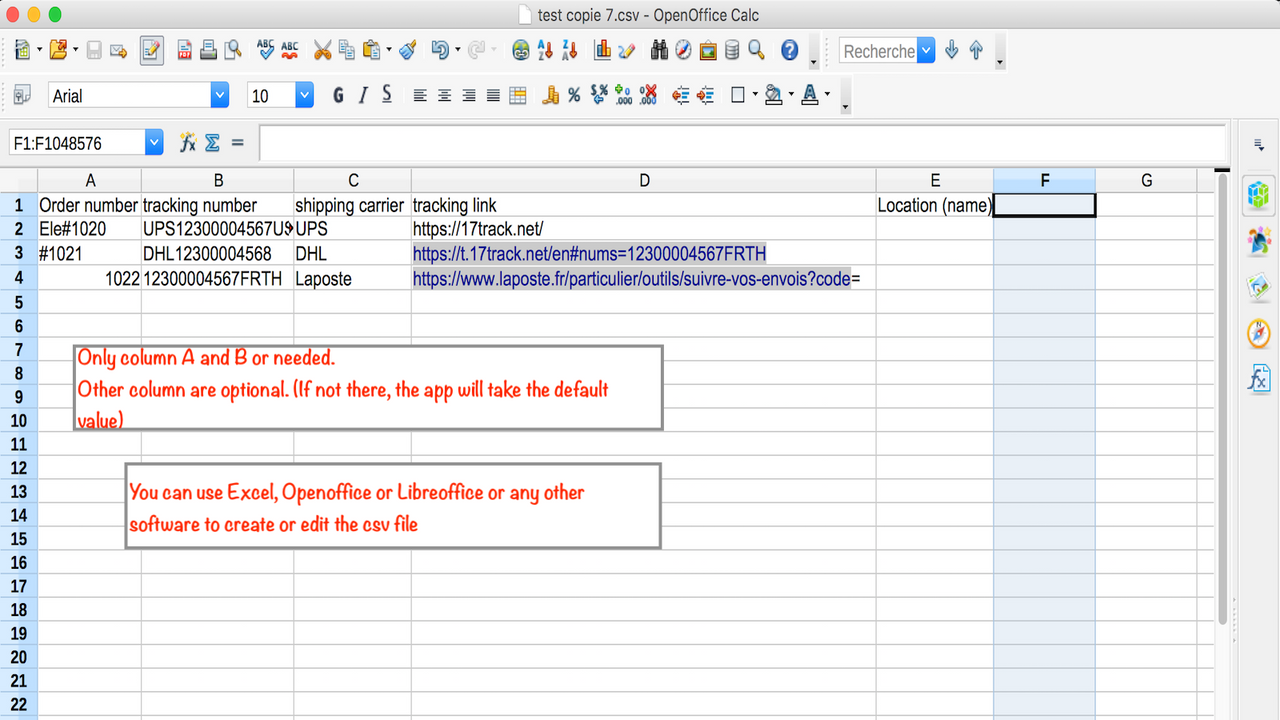
Quick start: 1) After installing the app, just download the sample file by clicking the link above the "upload" button 2) Modify this file with you...
About Excel CSV Tracking MassImport
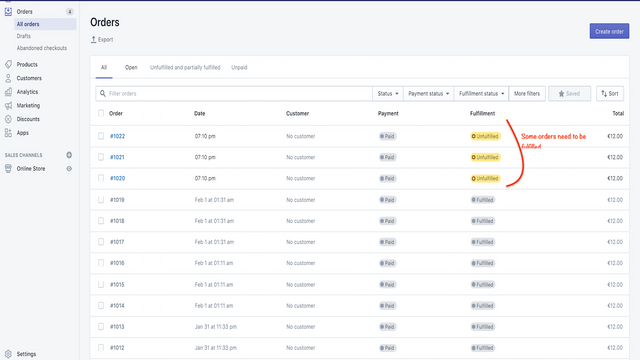
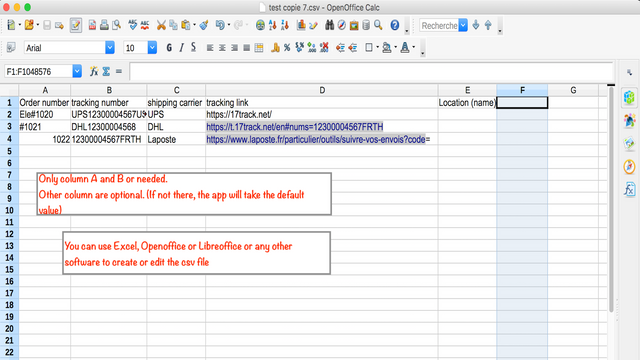
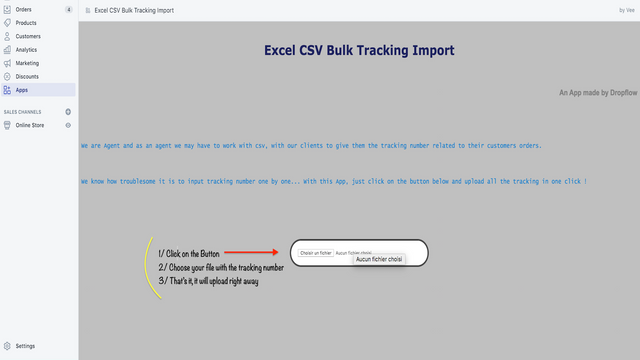
Quick start: 1) After installing the app, just download the sample file by clicking the link above the "upload" button 2) Modify this file with your order numbers and at least fill in the tracking numbers column (other columns or optional, it's advised to also fill the shipping company at least) 3) Click upload and wait a few minutes. Take a coffee and enjoy while we do the work 😉 This app will save your life if you have an Agent, use a Fulfillment center and even more if fulfilling yourself!
Screenshots
Key Features
Pros & Cons
Pros
Cons
Pricing
Free Plan Free Features Bulk import tracking numbers
Quick Info
- Category
- Marketing
- Platforms
- Shopify
- Rating
- 4.3
- Last Updated
- 2026-03-19
Is this your app?
Claim this listing to update information, respond to reviews, and access analytics.