
File To Inbox ‑ File Upload
Let customers upload files and images to personalize orders. Accept photos, PDFs, and more up to 5 GB each — delivered to your Dropbox. Free to try.
About File To Inbox ‑ File Upload
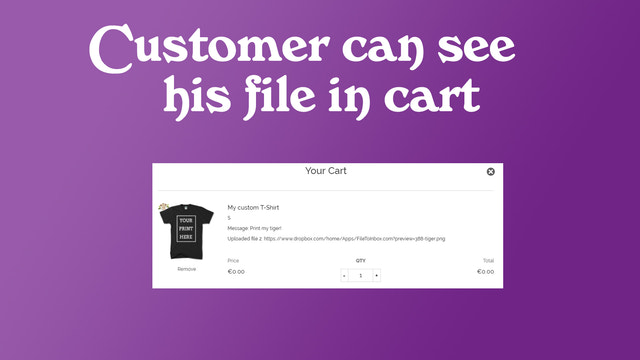
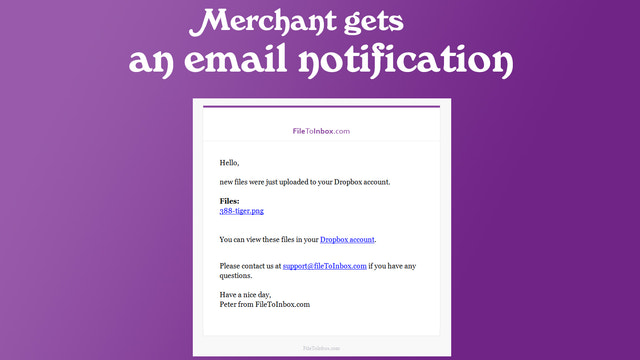
Sell custom products like printed t-shirts, engraved items, or personalized signs? Let customers attach files and images directly to their orders to personalize any product. File Upload To Inbox delivers every upload straight to your Dropbox so your team always has what they need. Accept images, photos, videos, PDFs, Excel, PSD, ZIP and more. There is no limit on the number of file uploads per order and each file can be up to 5 GB. Files stay in your Dropbox even if you uninstall the app.
Screenshots

Key Features
Pros & Cons
Pros
Cons
Pricing
Pro $19 / month Features Image and file upload with orders Unlimited uploads per month 1 GB per file, all types
Quick Info
- Category
- Marketing
- Platforms
- Shopify
- Rating
- 4.5
- Last Updated
- 2026-03-19
Is this your app?
Claim this listing to update information, respond to reviews, and access analytics.