
OneClick: Google Ads Tracking
Automatically install the Google tracking pixel on your store with OneClick Google Ads Conversion Tracking. Choose "automatic mode" in the app, sig...
About OneClick: Google Ads Tracking
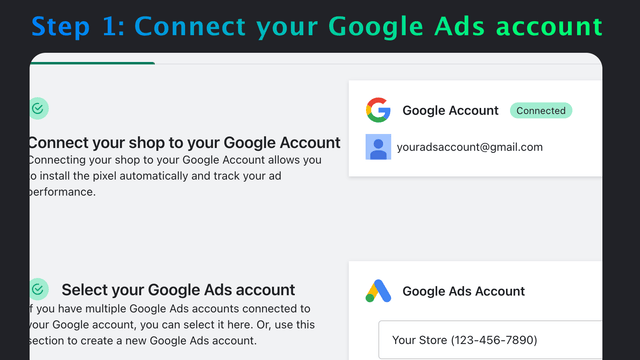
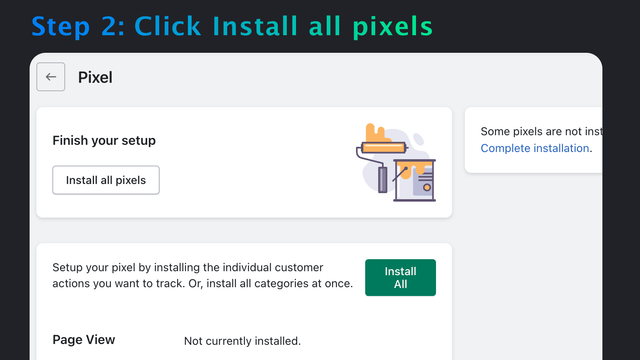
Automatically install the Google tracking pixel on your store with OneClick Google Ads Conversion Tracking. Choose "automatic mode" in the app, sign in with Google and then click "create pixel." It takes 2 minutes and really is that easy. After that, customers reaching your store from Google Ads (formerly known as Google Adwords) will be tracked. That gives you the data you need to improve your ads, to stop wasting money on ads that don't convert, and to increase your profits.
Screenshots

Key Features
Pros & Cons
Pros
Cons
Pricing
Complete Tracking $4.99 / month Features Page View, Add Cart, Checkout, Purchase Dynamic Remarketing Enhanced Conversions
Quick Info
- Category
- Marketing
- Platforms
- Shopify
- Rating
- 0.0
- Last Updated
- 2026-03-19
Is this your app?
Claim this listing to update information, respond to reviews, and access analytics.